What’s New at Fluid AI: Major Product Updates & the Road Ahead

TL;DR
- Folder-level knowledge base uploads now allow bulk document ingestion with structure intact.
- AI agents are now embedded directly within chat for real-time workflows and reuse.
- Agents and RAG knowledge bases can now be linked with just a few clicks—no prompt engineering needed.
- You can create, organize, and manage dozens of agents with template-based creation and visual workflows.
- Iterative agents and source-triggered automation now enable complex multi-step operations.
- Voice AI has become even more lifelike, multilingual, and interruptible.
- Real-time analytics dashboards show usage, tool calls, sentiment, and ROI.
- New quality-of-life features include PDF editing, access controls, and dark mode.
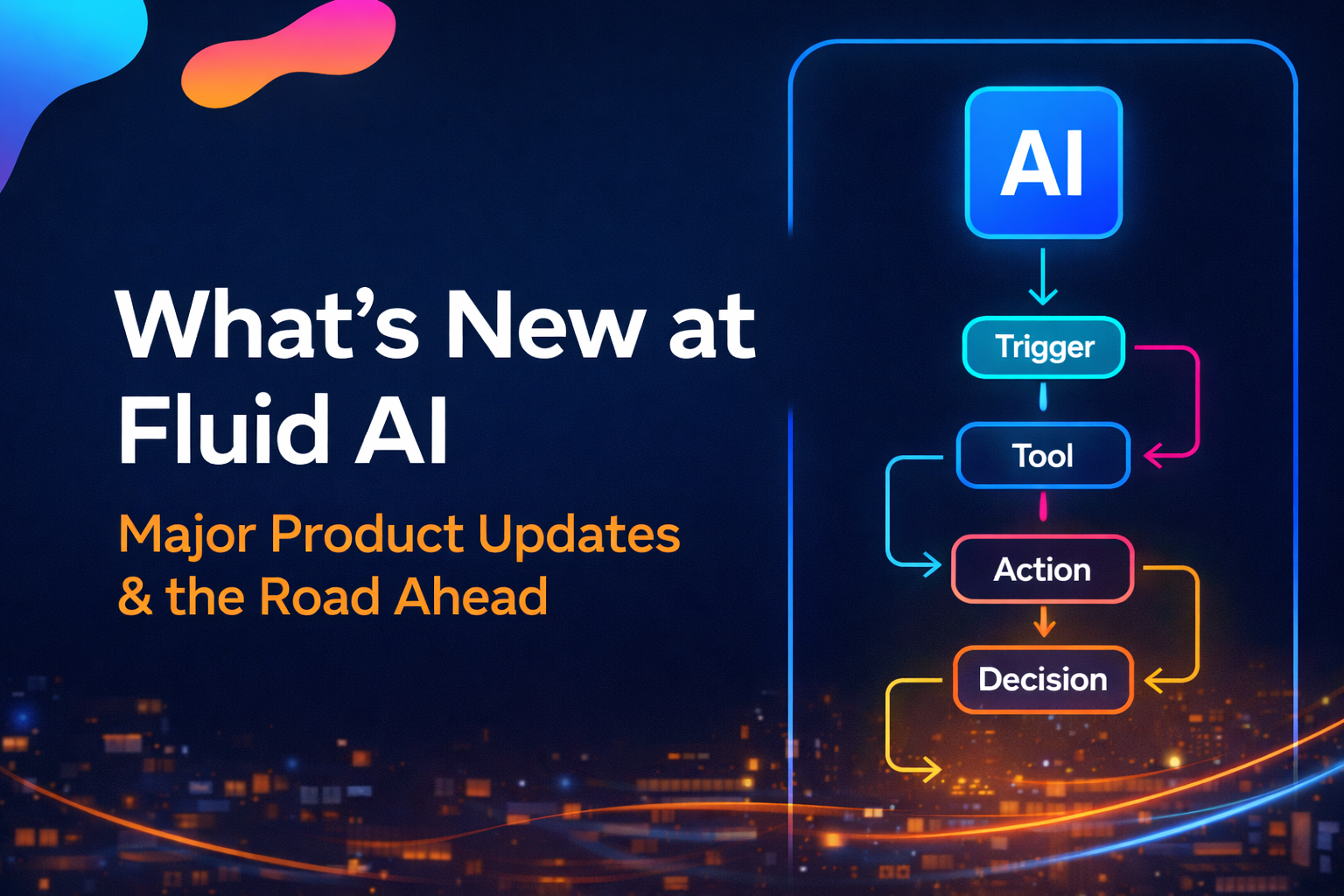
2026 is already shaping up to be the year of operational scale for AI-powered enterprises. As agentic systems move from pilot projects to mission-critical tools, Fluid AI is rolling out major upgrades to help teams build, manage, and scale AI agents with more control and power than ever before.
Checkout the whole webinar here!
Here’s what’s new and why it matters.
Simplified Knowledge Base Uploads
.png)
Until now, uploading hundreds of documents into a knowledge base could be tedious. With the new folder upload feature, users can drag and drop full directory structures with subfolders—preserving hierarchy and making ingestion seamless. PDF modes can be set to advanced for Vision LLMs, enabling better parsing of diagrams and visuals.
Ideal for teams looking to set up a RAG interface without a document management system like SharePoint.
Agents Inside Chat: Native AI Workflow Support
.png)
AI agents can now live inside your chat interface, meaning your top workflows are always one click away.
For example, if you have a LinkedIn content generation agent, it now appears in-chat with full memory and personalization. No need to re-enter prompts or configurations—just invoke the agent and go.
This feature dramatically improves speed for recurring workflows like content writing, email replies, or report generation.
One Workflow, One Click: Agents + Knowledge Base Integration
.png)
Previously, you had to manually connect agent workflows to relevant documents. Now, Fluid AI allows you to link an agent with a specific knowledge base folder in a few clicks.
Let’s say you want to generate a blog using insights from a recent research report. You can select a pre-trained blog-writing agent, attach the report folder, and have it generate the content instantly.
This streamlines report-to-blog pipelines, customer summaries, and use-case generation—without having to rewire flows each time.
Templates and Workflow UI Overhaul
.png)
Creating enterprise-grade AI agents is now faster than ever with ready-to-use templates. Whether it’s for voice banking, onboarding, or analytics, you can pick a template, personalize it, and go live in minutes.
The new interface also includes:
- Zoomable canvas for better navigation
- Undo/redo capability
- Version visibility for all active agents
This makes it easy to manage 10, 20, or even 50 agents across departments.
Iterative and Trigger-Based Agents
.png)
Need an agent to perform the same operation across 20 sources or customer tickets? Iterative agents now let you loop workflows without duplication.
This is already being used in:
- RFP discovery across multiple government portals
- Ticket analysis in support centers
- Step-by-step process execution like KYC verification or product comparisons
Add to this source triggers—so your agent kicks in when an email arrives, a CRM is updated, or a SharePoint file changes. You can even set recurring schedules down to the second.
Voice AI That Feels Human
.png)
Voice agents now speak in regional accents, support interruptions, and can switch dialects dynamically. This makes them ideal for:
- Credit card sales
- Banking IVRs
- Insurance onboarding
- Multilingual telecom workflows
See how AI voice is transforming frontline CX in Voice AI in Global Banking and Agentic AI in Telecom.
Real-Time Analytics: Performance & Sentiment
.png)
Analytics are no longer optional—they’re built into every agent.
You can now track:
- Daily token usage and cost trends
- Agent-specific message volumes
- Tool call frequency (email, web search, image gen)
- Sentiment scores and satisfaction
- Transfer rates to human agents
This enables teams to fine-tune prompts, cut costs, and prove ROI.
More on the importance of CX analytics in Agentic AI for CX Leaders.
Access Control and Workflow Hygiene
.png)
Fluid AI now supports fine-grained access controls so you can assign visibility, edit rights, and permissions on a per-agent basis. Essential for teams where marketing, sales, and tech ops need different views.
Plus, quick actions like:
- Merge or edit PDFs
- Convert documents before uploading
- Compare doc versions
- Export into Word for offline editing
These features reduce time spent on external tools and improve onboarding time for new users.
The Road Ahead
These Q4 updates aren’t just features—they’re a reflection of how teams are using Fluid AI at scale, across functions.
We’re seeing 25 to 30 agents active per enterprise account today, and that number is expected to 10x in 2026.
As AI moves from “cool” to critical infrastructure, our goal is to make sure every user—not just developers—can deploy intelligent, responsible agents that deliver real business outcomes.
Stay tuned for Q1 updates that bring even more autonomy and context memory to your AI infrastructure and checkout the whole webinar here!